UCP for Shopware — End-User Guide
This guide is written for Shopware shop owners and administrators who
UCP for Shopware — End-User Guide
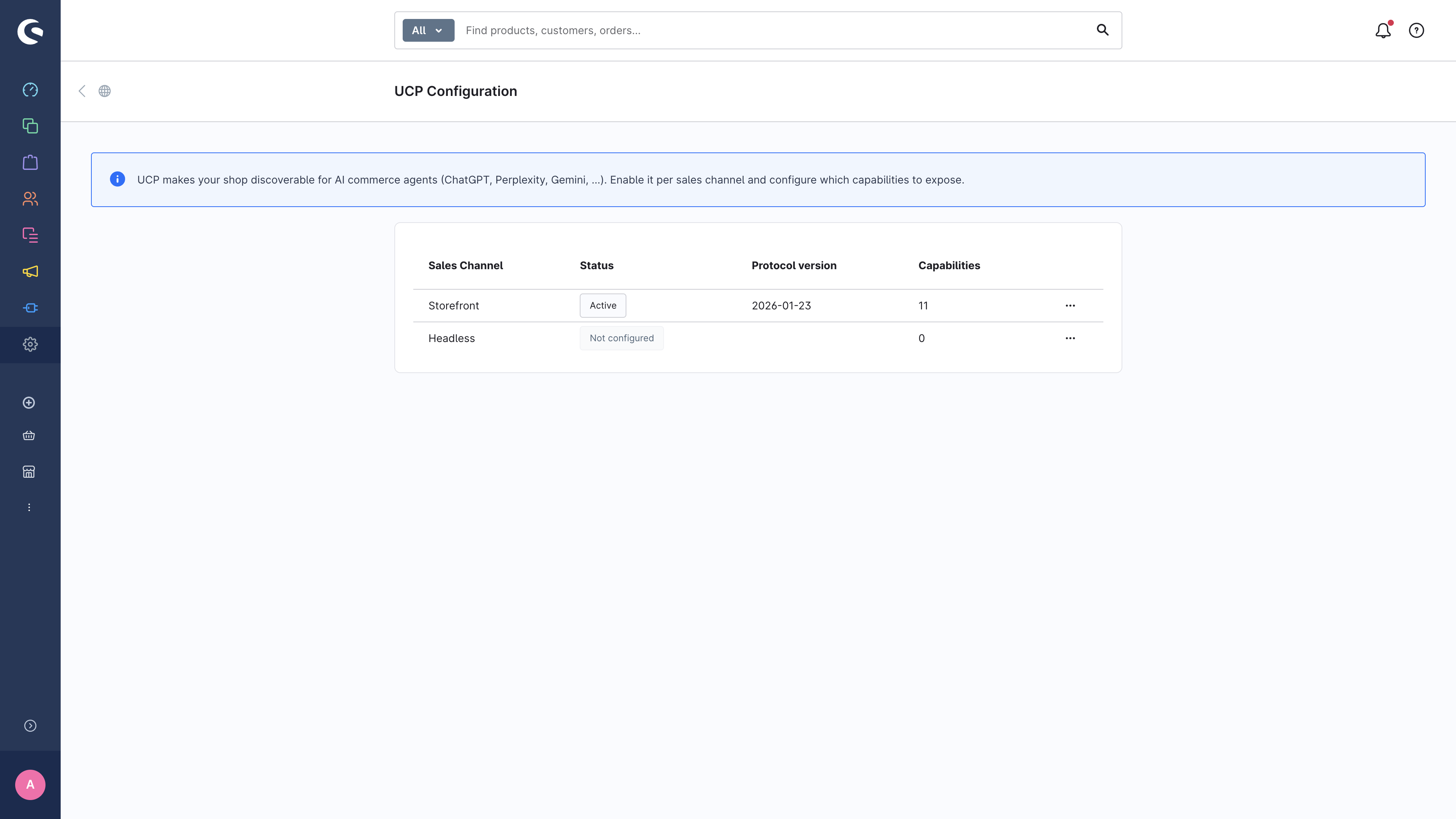
This guide is written for Shopware shop owners and administrators who want to enable the Universal Commerce Protocol (UCP) on their store so that AI commerce agents (ChatGPT, Perplexity, Gemini, Claude, …) can discover and transact with the shop autonomously.
You do not need to be a developer to follow this guide.
Table of contents
- What UCP gives you
- Enabling UCP per Sales Channel
- Configuring capabilities
- Signing-key rotation
- Inspecting the published profile
- Testing your shop with the UCP Simulator
- Order webhooks & identity linking
- Troubleshooting & FAQ
At a glance
When UCP is active for a Sales Channel, your shop publishes a small
"business profile" at https://your-shop.example.com/.well-known/ucp that
tells any UCP-compliant agent exactly which features your shop supports
and how to talk to it. Agents read this profile, negotiate a common
feature set, and proceed to call the relevant Store-API operations through
the UCP envelope at /ucp/v1/*.
You stay in full control:
- Per Sales Channel activation — enable UCP only where you want it.
- Per-capability toggles — pick which features (catalog, cart, checkout, discount, fulfillment, OAuth identity-linking, …) you expose.
- Per-channel signing keys — rotate keys without affecting other channels.
- Live profile preview — see exactly what agents see before going live.
- Simulator validation — run every REST/MCP scenario, including AP2 SD-JWT mandates, before exposing a channel publicly.